View or change the PHP version for my Web Hosting (cPanel)
You can find the active PHP version for your Web Hosting (cPanel) in the account Dashboard. It's always a good idea to keep PHP up to date for security fixes and improved performance.
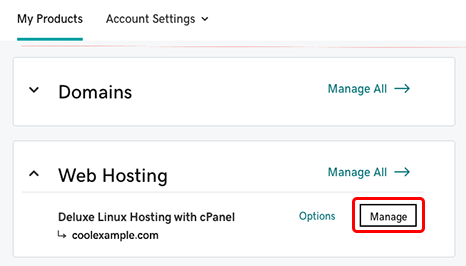
- Go to your GoDaddy product page.
- Under Web Hosting, next to the Web Hosting (cPanel) account you want to use, select Manage.
- Select the Settings tab.
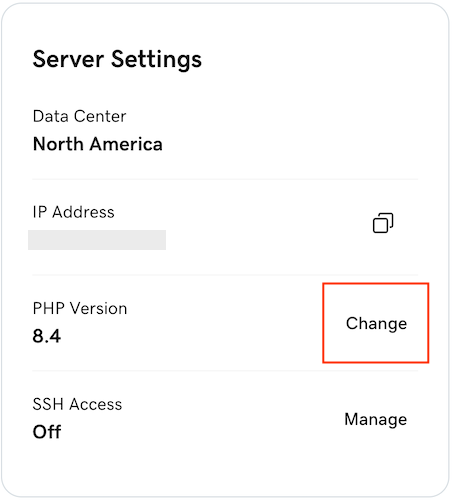
- In the Server Settings section, select Change next to PHP Version.
- Choose a PHP version from the list and then select Continue.
- Select Save Changes.
Please verify that your site is functioning correctly. If you encounter any issues, you can roll back to the previous version by repeating these steps to select your previous PHP version.
More info
- To verify that your site is now running on the version of PHP you selected, use a phpinfo file.
- Enable custom PHP modules.
- PHP Extended Support