Uninstall an SSL Certificate from my Web Hosting (cPanel)
Before uploading a new SSL certificate to your site, sometimes you’ll have to uninstall the old SSL certificate to avoid errors. This can be useful when using AutoSSL for the first time on a site, as your old SSL may not always be overridden.
Warning: Uninstalling an SSL certificate can cause site functions that rely on encryption to stop working. We recommend installing your new SSL immediately after to minimize potential downtime.
- Go to your GoDaddy product page.
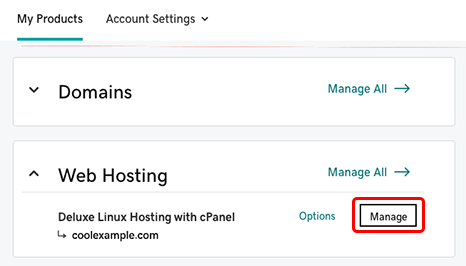
- Under Web Hosting, next to the Web Hosting (cPanel) account you want to use, select Manage.
- In the hosting account Dashboard, select cPanel Admin.
- On the cPanel Home page, in the Security section, select SSL/TLS.
- On the right side of your screen, under Install and Manage SSL for your site (HTTPS), select Manage SSL sites.
- Under Manage Installed SSL Websites, in the Actions column, select Uninstall for the certificate you wish to uninstall.
- Select Proceed.
A success message will confirm that your old SSL is uninstalled. You can select Browse Certificates to view the SSL certificates on your server, including the SSL that you've just uninstalled.