Order a GoDaddy Payments POS device
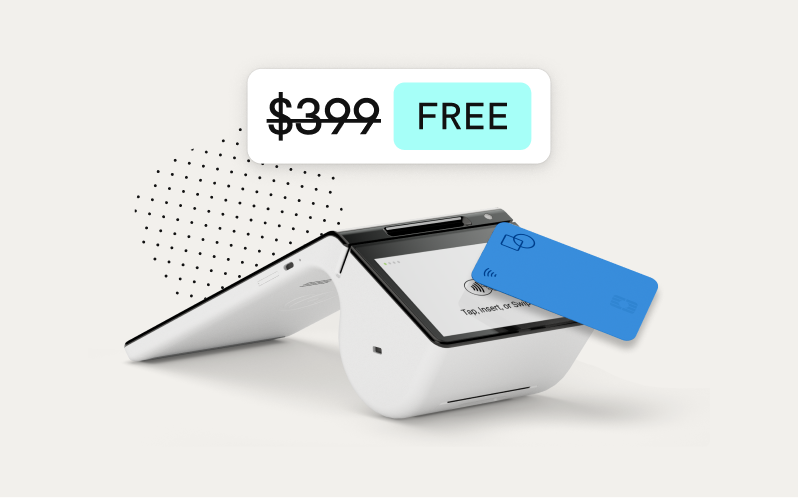
Once you’ve signed up for GoDaddy Payments, you can order a GoDaddy Smart Terminal or GoDaddy Poynt Card Reader (U.S. only) to start processing payments and orders from your customers. Learn which device is best for your business and purchase it right from your account. After you receive your device, set it up and start selling!
Note: GoDaddy Payments is only compatible with a POS device purchased through GoDaddy . POS devices purchased second-hand (like from Ebay), through a different vendor, or from a different payment processor won’t work with your GoDaddy Payments account.
- Sign in to your Shop Point of Sale page (use your GoDaddy username and password).
- Find the device you’d like to order and choose from the following options:
- Buy Now: Review your order, update your shipping and payment info if needed, and select Complete Purchase.
- Add to Cart: Once you’ve added all the devices you’d like to purchase, go to Your Cart and review your order. Update your shipping and payment info if needed and select Complete Purchase.
- You may be prompted to complete the one-time GoDaddy Payments setup process during checkout, if you haven’t already done so.
After you’ve ordered your device, you’ll receive an email order confirmation and can check your order status to keep track of when it will arrive.
Related steps
- Get started with the GoDaddy Smart Terminal Duo
- Get started with the GoDaddy Smart Terminal Flex
- Get started with the GoDaddy Smart Terminal Pro
- Get started with the GoDaddy Poynt Card Reader
More info
- What to do if your order is missing.
- Order replacement printer rolls and accessories when you run out.
- Learn more about installment payments with Klarna.